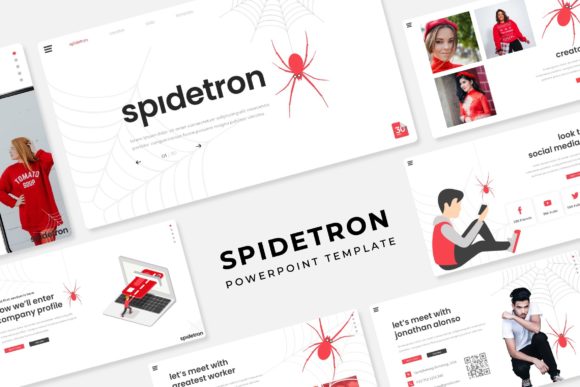
Spidetron PowerPoint Template: Elevate Your Presentations
Creating a presentation that truly captures attention and communicates your message effectively requires more than just good content. The visual framework matters immensely, setting the tone before you even speak. This is where a thoughtfully designed template like the Spidetron PowerPoint Template steps in, offering a structured yet flexible foundation for professionals, creatives, and businesses aiming to present ideas with clarity and impact.
A Foundation Built on Versatility and Polish
The Spidetron PowerPoint Template isn't just a single set of slides; it's a comprehensive toolkit designed for diverse needs. At its core are 150+ total slides meticulously organized across 5 premade color variations. This means you get 30 unique slide layouts for each color scheme, providing immediate variety and the ability to match your brand's specific palette or the mood of your topic. Whether you're pitching a new concept, reporting quarterly results, or showcasing a portfolio, having multiple thematic options within one package saves significant design time and ensures visual consistency.
What sets this template apart is its focus on handcrafted infographics and section break slides. Data visualization is crucial for engagement, and the included infographics are designed to transform complex information into digestible, visually appealing graphics directly within PowerPoint. No need for external software. Similarly, the dedicated section break slides provide clear visual cues, helping your audience follow the narrative flow of your presentation. This attention to structural detail demonstrates a deep understanding of presentation design principles, moving beyond basic bullet points to create a more engaging experience.
Designed for Real-World Use: Flexibility Meets Professionalism
A major strength of the Spidetron PowerPoint Template is its pixel-perfect illustrations and resizable, editable graphic elements. Every icon, diagram, and visual component is crafted with precision, ensuring your presentation looks sharp on any screen, from laptops to large projectors. The true power lies in the editability. Using Master Slides, you can make global changes to fonts, colors, and layouts effortlessly, maintaining brand consistency across all 150+ slides. This feature is invaluable for businesses and agencies managing multiple presentations or updating content regularly.
The inclusion of a Gallery and Portfolio slide section is particularly useful for designers, photographers, artists, and consultants. Showcasing work visually is often more persuasive than words alone. These slides are optimized to present images cleanly, allowing your portfolio to speak for itself. Furthermore, the picture placeholder drag & drop functionality simplifies the process of adding your own visuals. Instead of struggling with formatting, you can quickly swap in your images, ensuring the focus remains on your content rather than wrestling with software. This practical approach to design makes the template accessible even to those with limited PowerPoint expertise.
Practical Guidance for Implementation
Choosing the right template involves considering your project's specific needs. The Spidetron PowerPoint Template shines in scenarios requiring modern typography and a clean, professional aesthetic. Its style leans towards contemporary design, making it suitable for tech startups, marketing agencies, educational workshops, and corporate training sessions. To evaluate fit, consider your audience. The template's balanced design works well for both internal team meetings and external client pitches, projecting competence and attention to detail.
When working with the template, leverage the premade color variations strategically. Select a color scheme that aligns with your brand identity or the emotional tone of your presentation. Remember, the included free font (details and download link are provided in the Readme First file) is integral to the design's cohesion. Ensure you install it before editing to maintain the intended visual hierarchy and readability. While the template provides a strong starting point, don't hesitate to customize. Adjust layouts slightly to emphasize key points, use the infographics to simplify data, and ensure your text remains concise. The goal is to use the structure as a scaffold, not a cage, allowing your unique message to come through clearly.
Important Considerations for Your Project
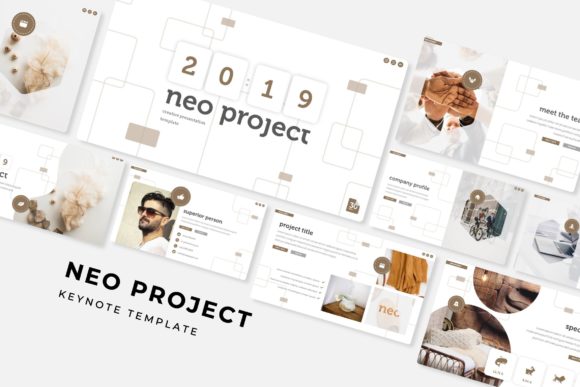
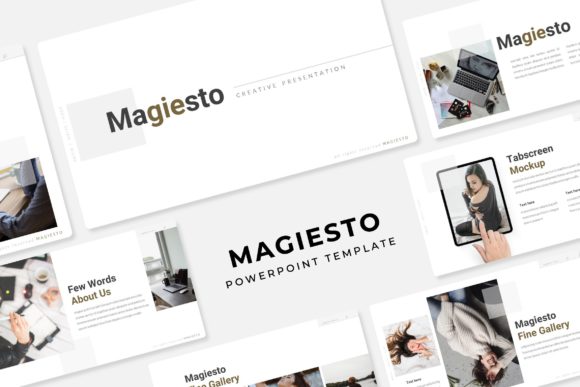
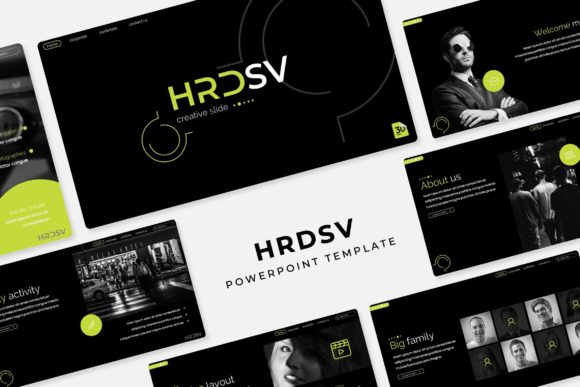
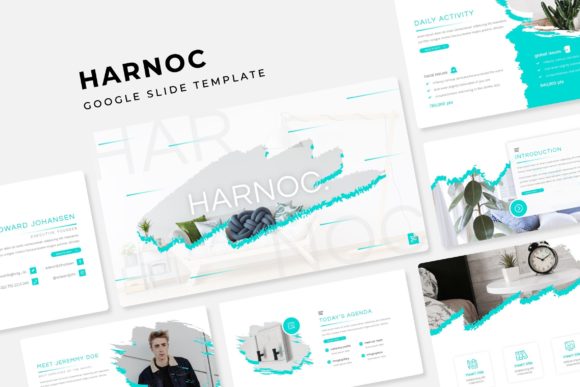
While the Spidetron PowerPoint Template provides a robust design system, it's crucial to note that all photographs or pictures used in the preview are not included. They are strictly for illustration purposes. You will need to source your own high-quality images that fit your content and complement the template's aesthetic. This is standard practice with premium design assets, as it ensures you use visuals relevant to your specific project and avoids licensing issues.
The package includes 5 PPTX Files and 5 PPTX Widescreen versions, offering flexibility for different display formats. The widescreen format is increasingly standard for modern presentations, providing a more cinematic and engaging viewing experience. Before your final presentation, always test the slides on the actual equipment you'll be using to check for any rendering issues and ensure all elements display as intended. By combining the template's professional foundation with your own content and visuals, you can create presentations that are not only informative but also visually compelling and memorable.